Can AI Detectors Catch OpenAI's Latest Images? We Tested It (2026)
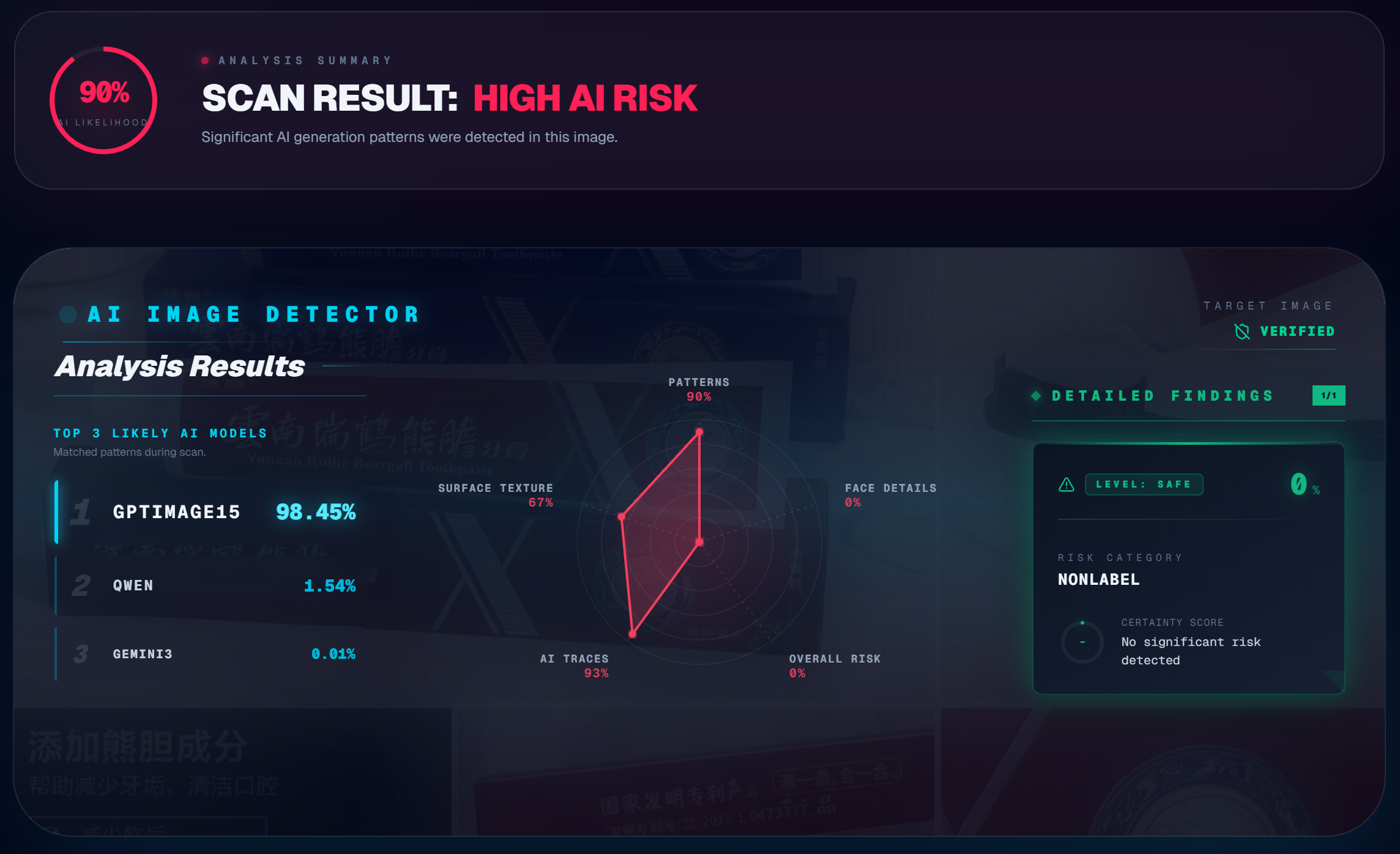
OpenAI's latest image generation models have gotten disturbingly good. As someone who builds detection tools for a living, even I sometimes need to stare at an image for a while before I can tell what's real. The old heuristics — "AI can't draw hands" or "check the lighting" — don't work like they used to.
That matters for anyone in e-commerce, social media, journalism, or honestly just browsing the internet. If you can't trust your eyes, you need something else to fall back on.
That's why I built isthisaiphoto.com — a multi-engine detection platform that uses algorithmic analysis to catch what human vision misses. But talk is cheap. Let's look at real test data from 2026.
The Test: Two Worst-Case Scenarios
I wanted to stress-test the system against the hardest cases — the kind of AI images that are already being used to deceive people in real-world settings. Not lab examples. Not obviously fake images. The stuff that's actually fooling people right now.
For a primer on the underlying detection methods (frequency analysis, noise signatures, LBP), see our guide: How to Detect AI-Generated Images: 5 Checks Anyone Can Do.
Scenario 1: AI-Generated E-Commerce Product Photo
This is a massive, growing problem. Online sellers are using AI to generate product images with human models — it's cheaper than hiring photographers and models, and the results look professional enough to pass on most platforms.
For this test, I used an AI-generated poster featuring a model holding a samurai sword. The metallic reflections, muscle definition, grip tension, and studio lighting are all convincing at first glance. This is the kind of image that would pass on Amazon, Etsy, or any product listing without raising eyebrows.
.png)
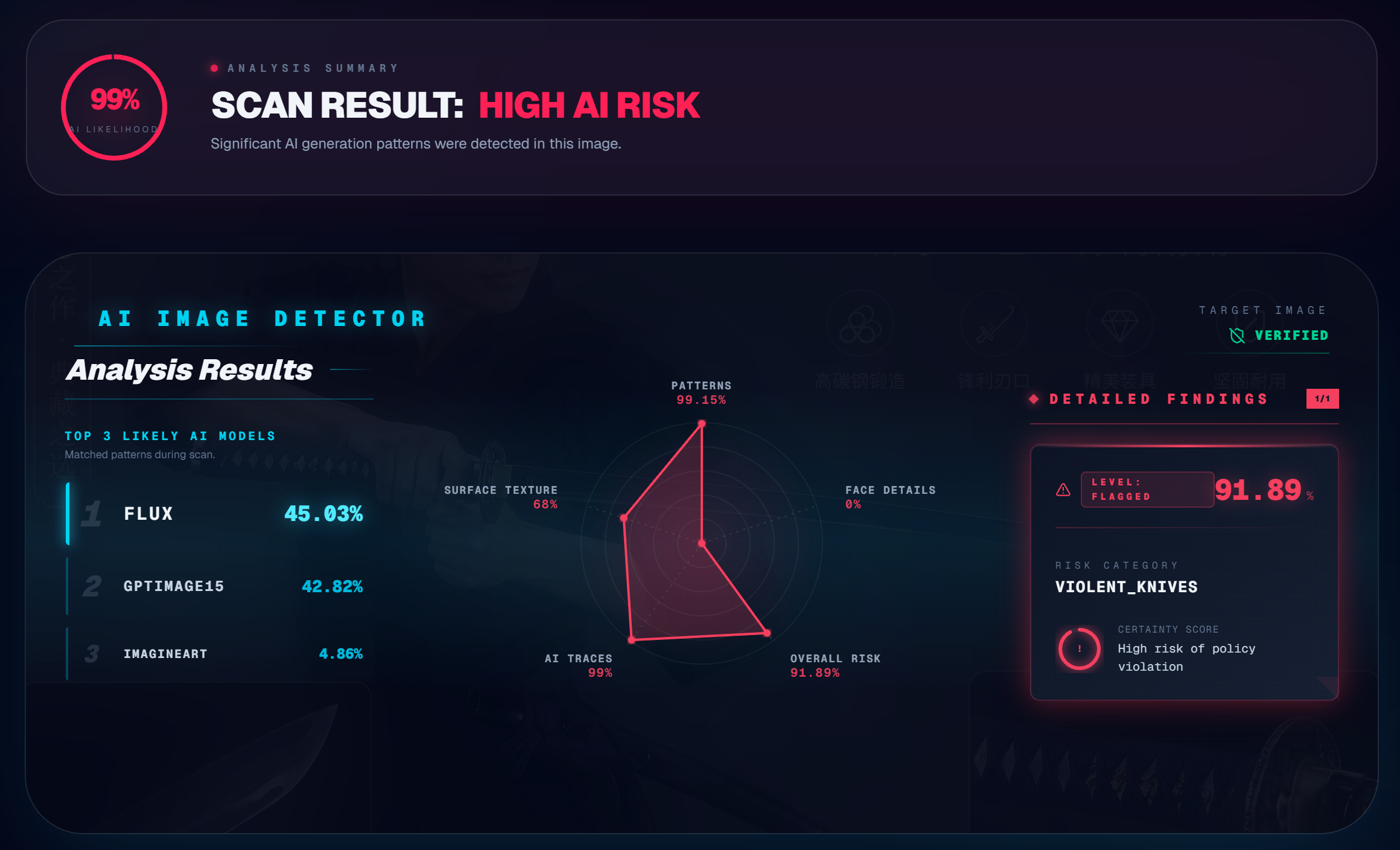
The detection engine flagged it immediately. The pixel matrix analysis picked up inconsistencies in the lighting model — real studio lighting creates specific shadow gradients that AI approximates but doesn't replicate perfectly. The frequency spectrum showed the telltale periodic artifacts from the generation pipeline.
Try it yourself: Got a product photo that looks too good? Drop it into our free AI image detector and see what the analysis shows.
Scenario 2: Low-Quality "Casual Selfie"
There's a common misconception that AI detection only works on high-resolution images, or that blurring or filtering a photo can fool the algorithms. This test specifically targeted that assumption.
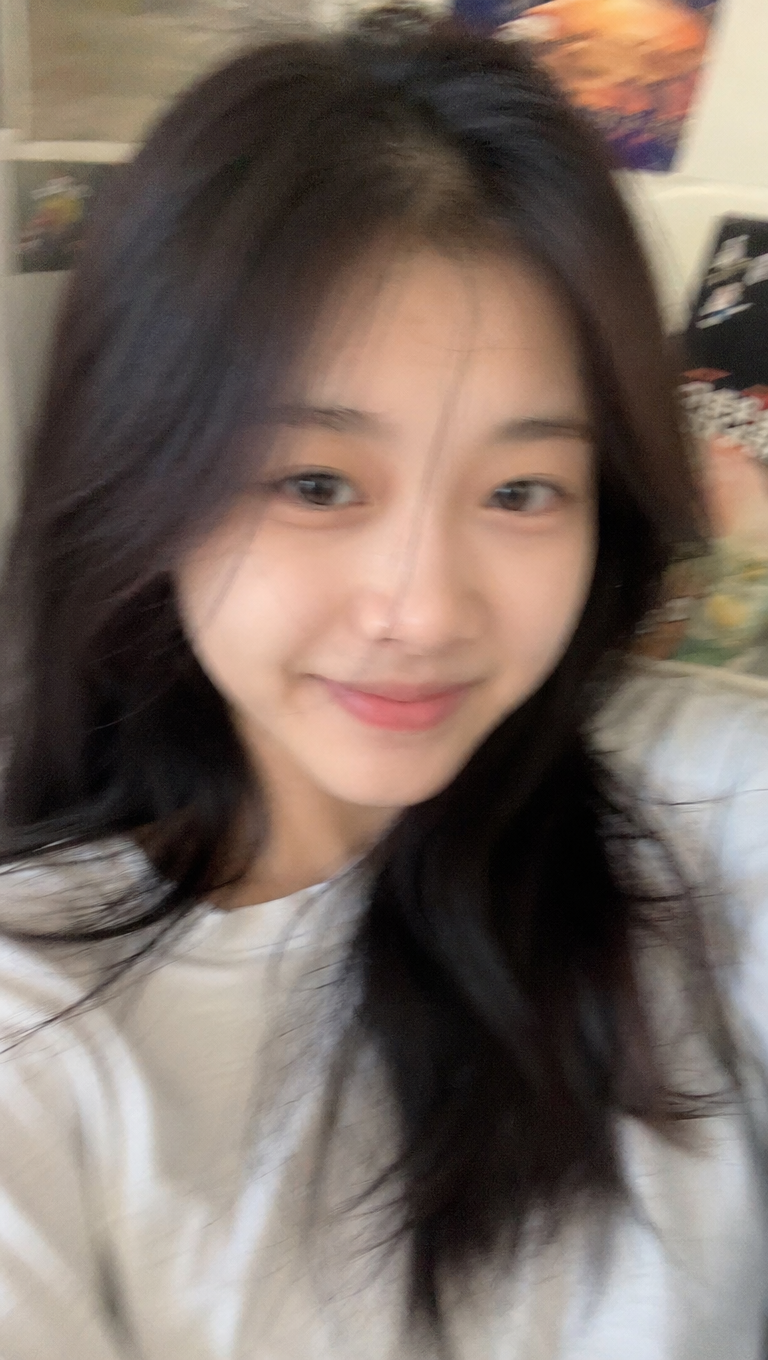
I generated a blurry, casual-looking selfie — the kind of image someone might use on a dating profile or social media. Low resolution, slight motion blur, the visual feel of "grabbed this shot on my phone." It's designed to bypass both human intuition and detector expectations.
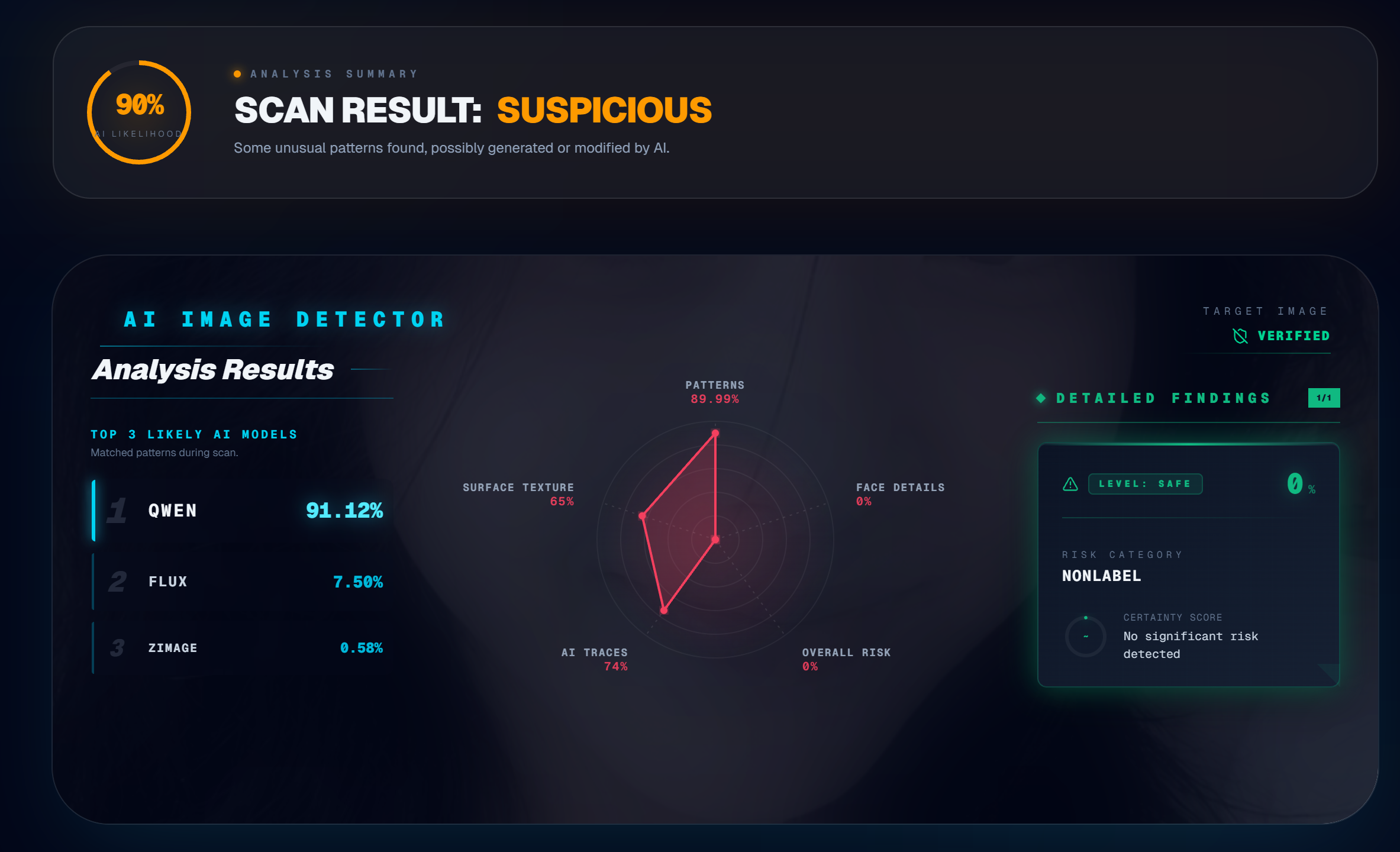
Result: 90% suspicious.
The radar chart broke it down: nearly 90% abnormal patterns detected, with 74% matching known AI generation signatures. Here's the thing — AI can fake visual blur, but it can't fake the statistical noise distribution of a real camera sensor. A real phone camera introduces specific sensor noise that follows the physics of the hardware. AI-generated blur is mathematically clean in a way that real blur never is, and the detection engine picks up on that difference.
This is a key insight for anyone checking dating profiles. For more on that use case, see: Can Deepfakes Fool Face ID? How AI Is Breaking Facial Recognition.
Why the Model Label Sometimes Shows "GPT 1.5"
If you're paying attention to the detection output, you might notice that even though these images came from the latest OpenAI models, the system sometimes labels the source as GPTIMAGE15 or QWEN.
This is a frontend labeling issue, not a detection accuracy issue. The neural network layer that captures generative artifacts has been updated and can identify outputs from the newest models. But the name-mapping library on the display side hasn't been updated yet to reflect the latest model names. The system catches the image correctly — it just labels it with an older tag.
Focus on the comprehensive risk score and the radar chart breakdown, not the model label. The core detection accuracy is unaffected. We'll update the display labels in a coming release.
What These Tests Tell Us
Two things stand out:
-
Image quality doesn't protect AI fakes from detection. Whether the image is high-res studio quality or low-res phone-style, the detection engine works at the pixel and frequency level — not the visual level. Blur, filters, and compression don't hide the underlying generation patterns.
-
The latest AI models are harder for humans to spot, but not harder for algorithms. The generation artifacts are still there. They're just buried deeper in the data, which is exactly why automated detection tools are becoming essential.
For a comprehensive overview of all detection methods — including disruption and watermarking — read: How to Spot AI-Generated Images: Artifacts, Detection Methods & Defenses.
Try It Free
Whether you're checking a suspicious profile photo, verifying a product listing, or just curious about an image you found online — upload it at isthisaiphoto.com. The analysis runs in seconds, combines multiple detection engines, and gives you a detailed breakdown of what the system found. No signup, no cost, complete privacy.
Frequently Asked Questions
Can AI detectors catch images from the latest OpenAI models?
Yes. In our 2026 tests, RealPix's detection engine successfully flagged AI-generated images from OpenAI's newest models — including high-res e-commerce photos and low-quality casual selfies. The frequency spectrum and noise pattern analysis catch artifacts that human eyes miss, regardless of image quality.
Does image quality affect AI detection accuracy?
No. Our tests show that detection works at the pixel and frequency level, not the visual level. A blurry, low-resolution selfie was flagged as 90% suspicious with 74% matching known AI generation signatures. AI can fake visual blur but can't replicate the statistical noise distribution of a real camera sensor.
What does the radar chart in RealPix's detection results show?
The radar chart breaks down suspicious patterns across multiple analysis dimensions: frequency artifacts, noise signatures, texture consistency, structural coherence, and model fingerprint matching. Each axis represents a different detection signal, giving you a detailed forensic breakdown of where the image looks suspicious.
Why does the detector sometimes show "Unknown" for the model name?
This is a display labeling issue, not a detection accuracy issue. The neural network correctly captures generative artifacts from the latest models, but the name-mapping library may not yet include the newest model names. Focus on the confidence score and radar chart — those reflect actual detection accuracy.
Want to test an image yourself? Upload it at isthisaiphoto.com — free, instant, and completely private. No signup required.
Related Reading
- How to Detect AI-Generated Images: 5 Checks Anyone Can Do — A practical guide with visual checks and scenario-specific tips.
- How to Spot AI-Generated Images: Artifacts, Detection Methods & Defenses — The research-backed deep dive into detection, disruption, and authentication.
- Can Deepfakes Fool Face ID? How AI Is Breaking Facial Recognition — How deepfakes are bypassing biometric authentication systems.